Introduction to Laser Cutting
What is Laser Cutting?
Laser cutting is a technology that uses a high-powered laser to cut materials with precision. It is commonly used in industrial manufacturing processes, but it is also gaining popularity in hobbyist and educational settings.
Laser cutting is a precise and efficient manufacturing process that utilizes a high-powered laser beam to cut materials such as metal, wood, plastic, glass, and various composites. The laser beam is typically controlled by a computer numerical control (CNC) machine, which directs the beam along the desired cutting path.
How Does Laser Cutting Work?
Laser cutting works by directing the output of a high-powered laser at the material to be cut. The laser beam melts, burns, or vaporizes the material, leaving a high-quality finish. The process is controlled by computer software, which ensures precise cutting according to the desired design.
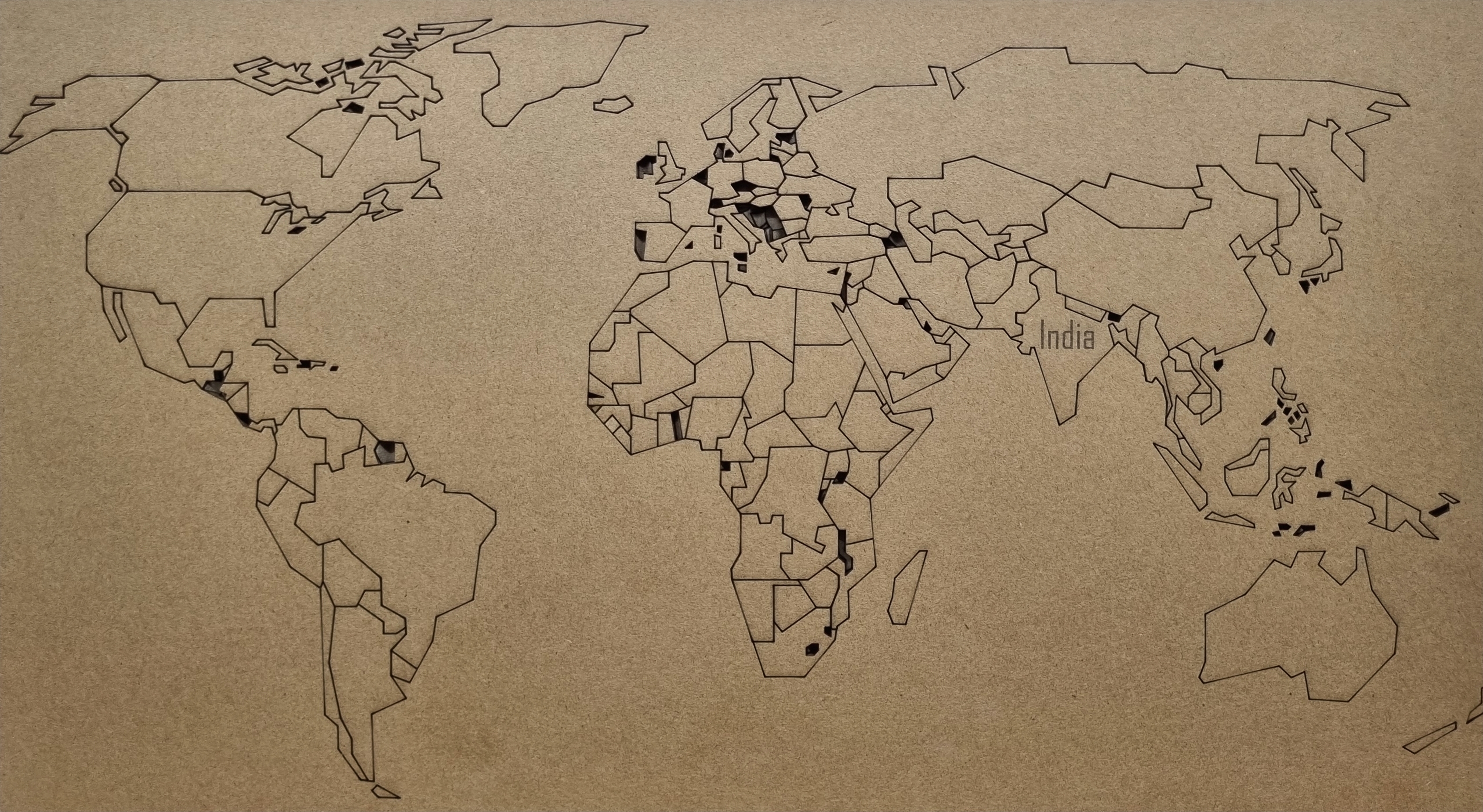
What file formats are suitable for laser cutting 2D designs?
Vector-based file formats are preferred for laser cutting, such as SVG (Scalable Vector Graphics), AI (Adobe Illustrator), DXF (Drawing Exchange Format), and PDF (Portable Document Format). These formats allow for precise scaling and manipulation of shapes.

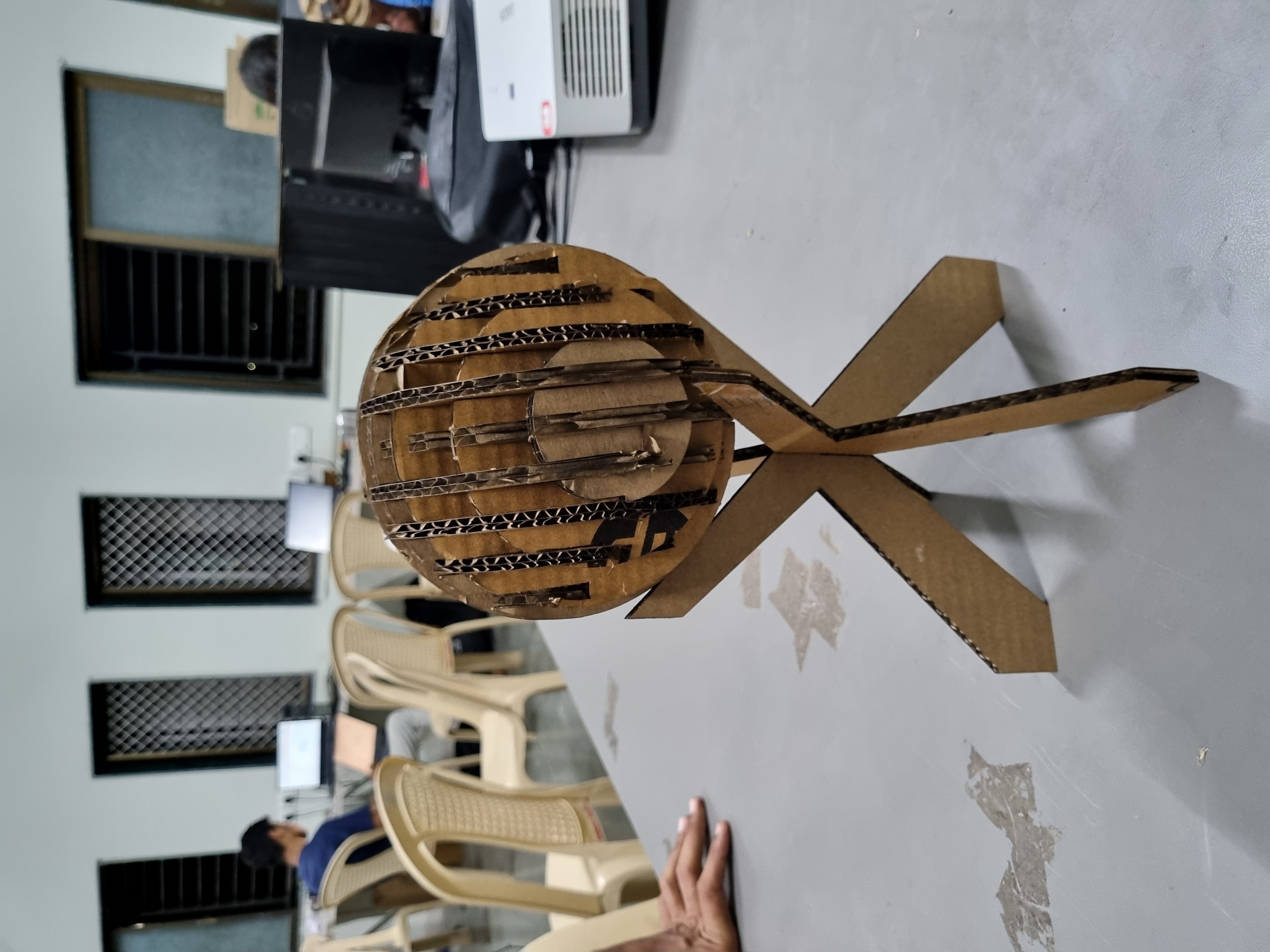
What software can I use to create 2D designs for laser cutting?
There are several software options available for creating vector-based designs suitable for laser cutting. Some popular choices include Adobe Illustrator, CorelDRAW, Inkscape (free and open-source), AutoCAD, and Fusion 360.
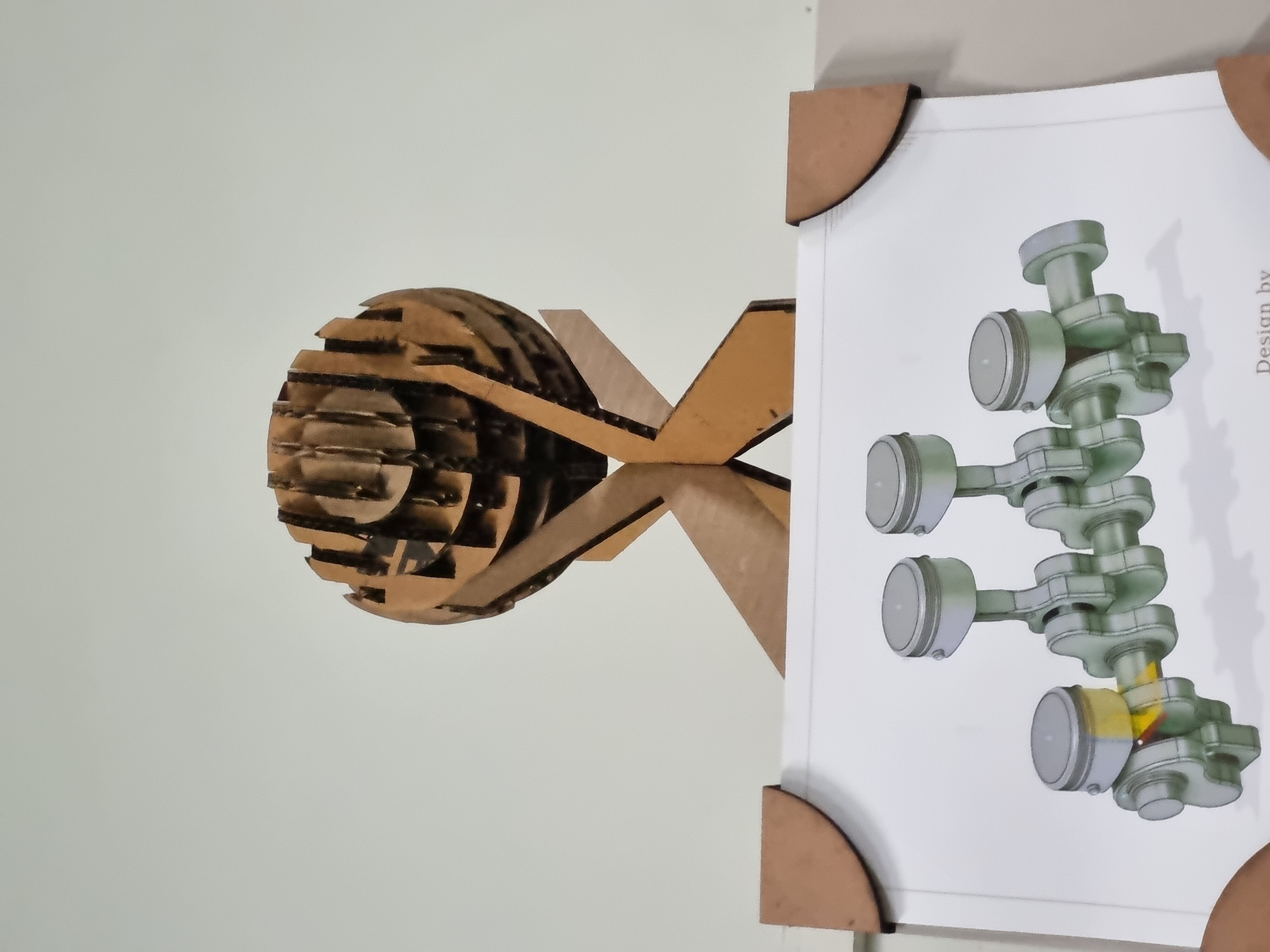
First Assignment: Simpler one
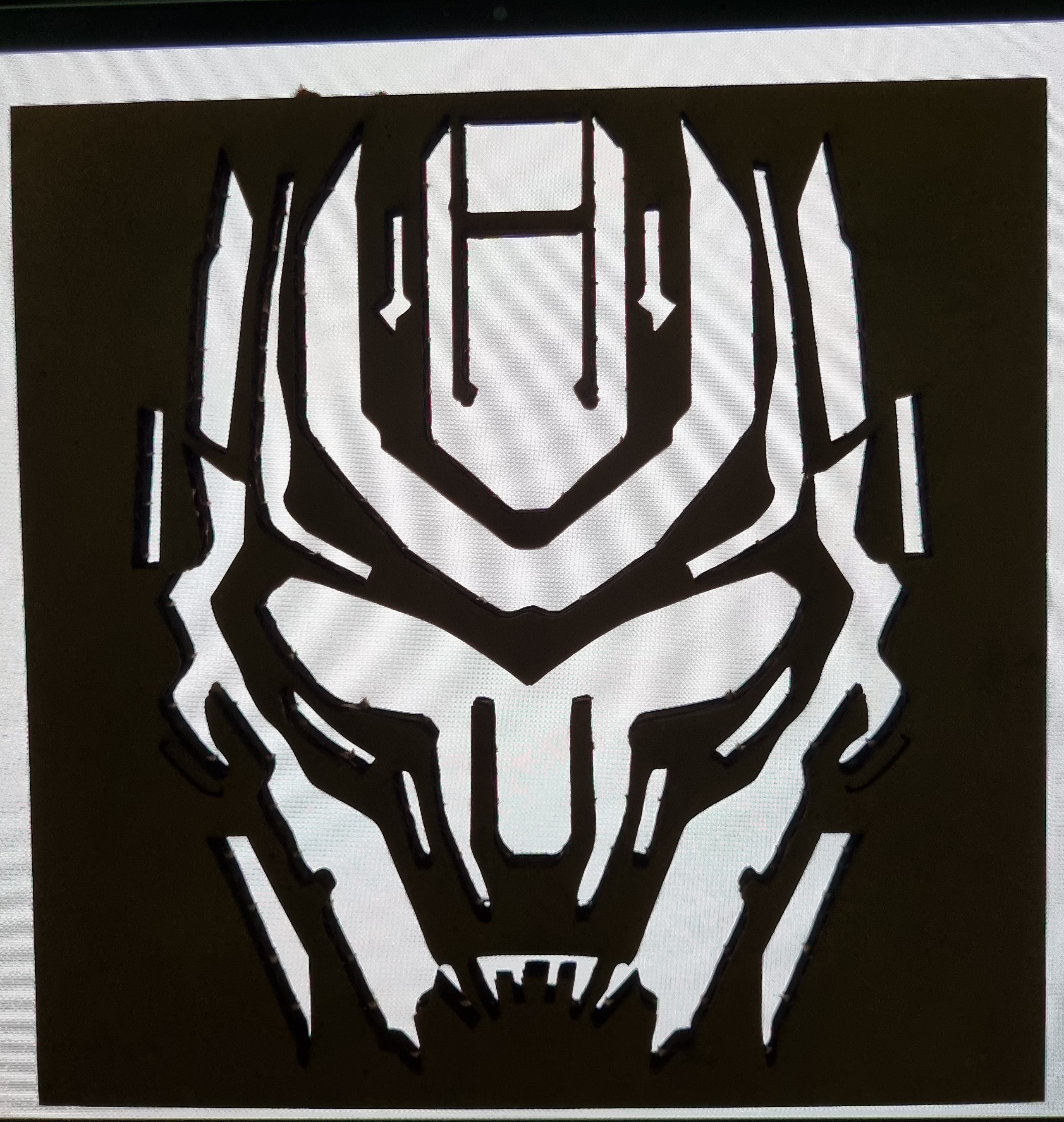
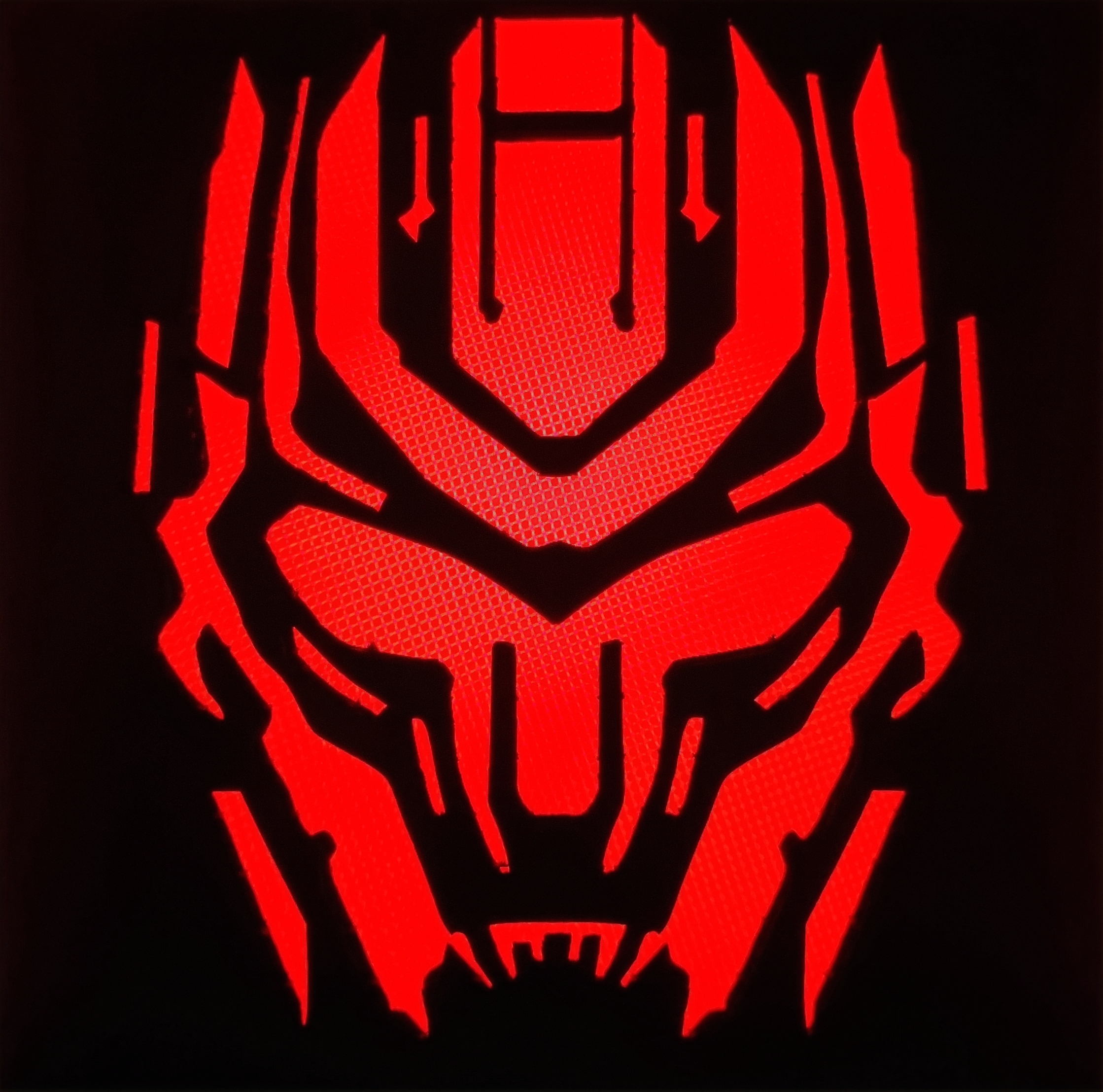
On the second day of Module, I had the exciting opportunity to create my own design and bring it to life using a laser cutter. The task was to laser cut a 50x50 mm cardboard into the shape of the head of a famous transformer.
Summary of the Module
From my first day of laser cutting, I embarked on an exciting journey of learning and creating intricate designs using laser technology...